
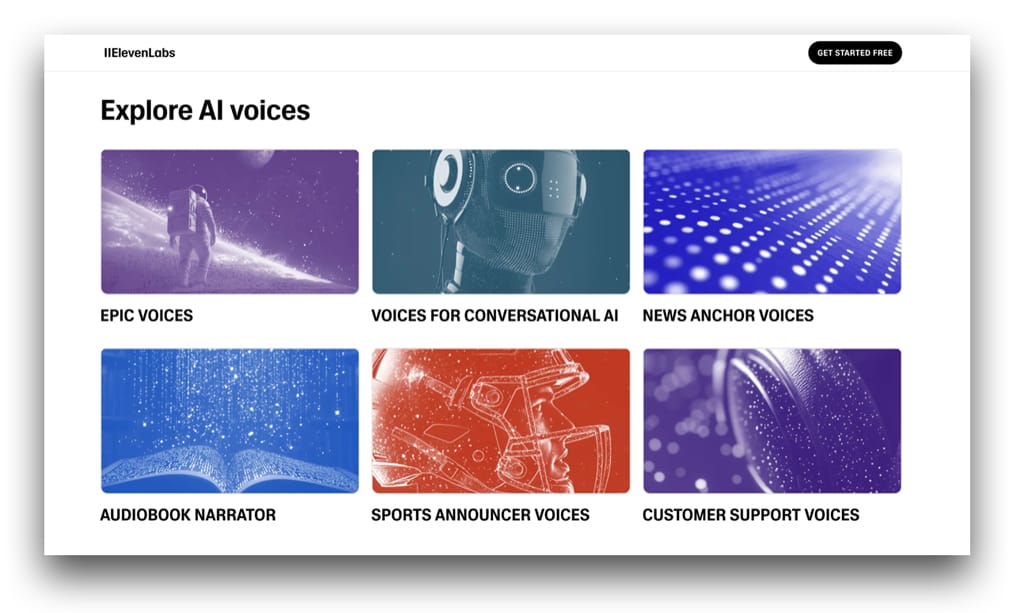
Let’s face it: audio is the heartbeat of modern content. Whether it’s podcasts, audiobooks, voiceovers, or short-form videos, high-quality audio can elevate your production from amateur to pro in seconds. But good audio used to come at a cost—studio time, expensive gear, and endless hours of editing.
Not anymore.
Thanks to AI, producing studio-grade sound is more accessible than ever. From voice cloning and speech enhancement to text-to-speech and real-time editing, AI tools are transforming how we create, modify, and distribute audio content.
So if you’re a content creator, marketer, educator, or business professional looking to sound better, faster, and smarter—this guide is for you.
Let’s dive into the Top 10 AI Tools for Audio in 2026, starting with the undisputed leader in AI voice generation: ElevenLabs.
1. ElevenLabs – The Gold Standard for AI Voice Cloning
Website: elevenlabs.io
Use Case: Voice cloning, narration, audiobooks, character voices
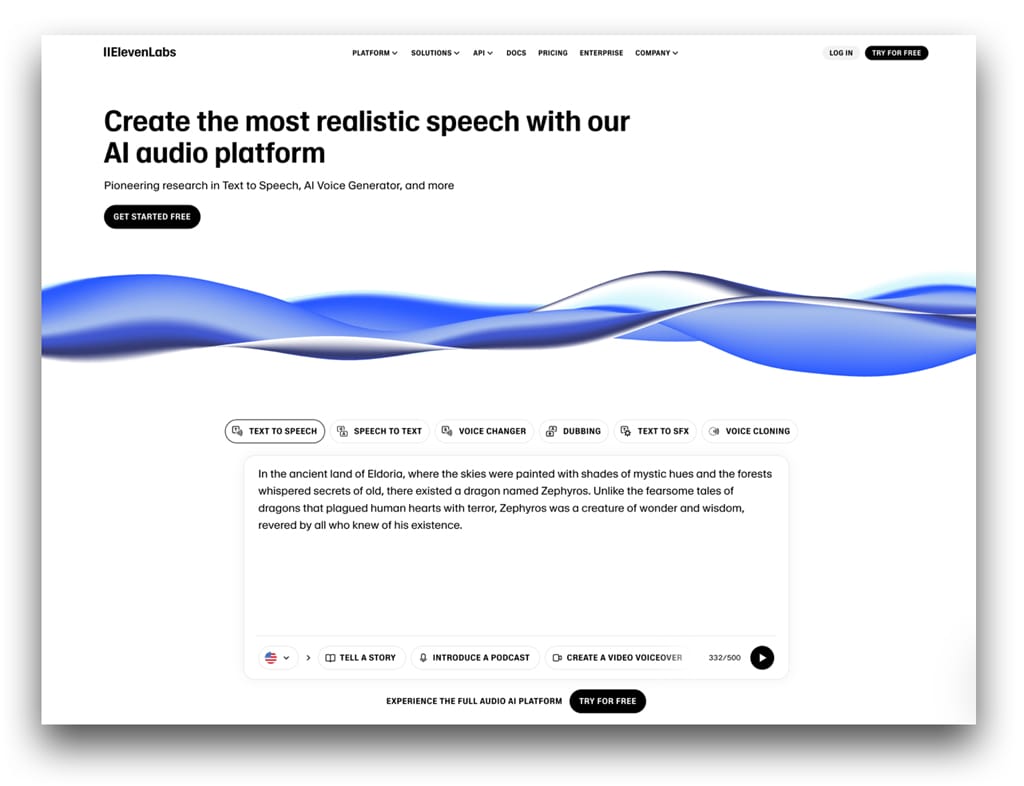
If there’s one tool that has taken the AI audio world by storm, it’s ElevenLabs. This platform delivers unbelievably natural, human-like speech synthesis in multiple languages and accents. Whether you’re narrating an audiobook, creating character voices for games, or dubbing a video in another language, ElevenLabs is the ultimate AI voice tool.
What makes it special? Its voices don’t just pronounce words—they understand context, emotion, and tone. You can even train it on your own voice and generate realistic speech that sounds exactly like you.
Key Features:
- Ultra-realistic text-to-speech (TTS)
- Voice cloning with just a few minutes of audio
- Multilingual and multi-emotion support
- Adjustable pacing, inflection, and style
- API access for developers and platforms
Best For: Voice actors, audiobook publishers, educators, game developers, YouTubers
2. Adobe Podcast (Formerly Project Shasta) – Best for AI Audio Enhancement
Website: podcast.adobe.com
Use Case: Podcast cleanup, remote recordings, studio-quality audio
Adobe Podcast is like having an audio engineer in your pocket. Its “Enhance Speech” feature is magical—it makes recordings sound like they were done in a studio, even if you used a basic headset on Zoom.
Perfect for podcasters, educators, or anyone recording remote interviews, Adobe Podcast automatically removes background noise, balances vocal tones, and adds clarity with just a click.
Key Features:
- AI-powered speech enhancement
- Remote interview recording with local quality
- Easy editing via transcript
- Auto-generated music beds and sound effects
Best For: Podcasters, remote interviewers, solopreneurs
3. Descript – Best for All-in-One Audio and Video Editing
Website: descript.com
Use Case: Podcast editing, transcription, overdub
Descript is one of the smartest platforms for creators who work with both audio and video. The game-changer? You edit your content by editing the transcript.
But here’s where it gets really cool: its “Overdub” feature allows you to create a digital clone of your voice. So if you flub a line in your podcast or want to insert something new, you can simply type it—and Descript says it for you in your own voice.
Key Features:
- Overdub (voice cloning and correction)
- Automatic transcription
- Timeline and multitrack editing
- Filler word removal (um, uh, etc.)
- Built-in publishing tools
Best For: Podcasters, video creators, educators
4. Cleanvoice AI – Best for Automatic Audio Cleanup
Website: cleanvoice.ai
Use Case: Podcast editing, filler word removal, background noise reduction
Cleanvoice takes the pain out of post-production by automatically removing unwanted elements from your recordings. Think background noise, mouth sounds, stutters, and filler words like “um” and “uh.”
You don’t need to be an audio engineer to make your podcast or voiceover sound clean and polished—Cleanvoice does it all in the background, saving you hours of editing.
Key Features:
- Filler word and mouth sound removal
- Multilingual noise reduction
- Silence trimming
- Cross-talk detection
Best For: Podcasters, course creators, voiceover artists
5. Play.ht – Best for High-Quality AI Narration
Website: play.ht
Use Case: Audiobooks, blogs-to-audio, voiceovers
Play.ht is a powerful TTS platform with a focus on natural, engaging voiceovers. What sets it apart is the variety and quality of its voices—hundreds of AI-generated voices across dozens of languages and dialects.
It’s especially popular for turning written content into listenable audio. Think blogs, news articles, or long-form guides transformed into Spotify-worthy narrations.
Key Features:
- 900+ AI voices across 100+ languages
- Emotion-driven voice styles
- Instant preview and export
- SSML support for detailed control
- White-label embedding options
Best For: Publishers, bloggers, SaaS apps, audiobook creators
6. Krisp.ai – Best for Real-Time Noise Cancellation
Website: krisp.ai
Use Case: Video conferencing, remote calls, live recording
Krisp is a must-have for anyone working remotely or conducting interviews over Zoom. It uses real-time AI to remove background noise, echo, and even other people’s voices from your calls and recordings.
Krisp doesn’t just help you sound better—it helps everyone on the call sound better by cleaning up incoming audio too.
Key Features:
- Real-time background noise cancellation
- Echo reduction
- Bi-directional voice cleanup
- Low CPU usage
- Integration with Zoom, Skype, Slack, etc.
Best For: Remote workers, streamers, interviewers
7. Murf.ai – Best for Business Voiceovers
Website: murf.ai
Use Case: E-learning, explainer videos, corporate presentations
Murf is an AI voice platform designed with business users in mind. Its studio-like interface makes it easy to generate voiceovers for presentations, training videos, and internal communications.
What’s more, you can adjust pitch, emphasis, and pauses to make your narration sound more dynamic and professional.
Key Features:
- 120+ AI voices in 20+ languages
- Background music and SFX library
- Voice tuning controls
- Slide sync and script import
- Collaboration tools
Best For: L&D teams, corporate trainers, marketing departments
8. AIVA (Artificial Intelligence Virtual Artist) – Best for AI Music Composition
Website: aiva.ai
Use Case: Background scores, podcast music, content creators
Not all audio tools are about voice—some are about vibes. AIVA uses AI to compose original music tailored to your needs. Choose a genre, mood, or instrument, and AIVA generates royalty-free music in seconds.
It’s a fantastic tool for content creators who want unique background music that won’t get flagged by YouTube or Spotify.
Key Features:
- Custom music composition by genre
- Royalty-free and commercial-safe
- AI-assisted music editing
- Sheet music export (for musicians)
- Audio loop optimization
Best For: Content creators, game developers, indie filmmakers
9. Voicemod – Best for Real-Time Voice Changing
Website: voicemod.net
Use Case: Streaming, gaming, content creation
Voicemod is the ultimate audio playground for creators who want to get playful with their sound. It allows real-time voice modulation—think robotic, spooky, baby, or celebrity voices—and works seamlessly with tools like OBS, Discord, and Zoom.
It’s not just for jokes—Voicemod’s custom soundboard and real-time effects can actually help creators develop unique audio identities or characters for entertainment.
Key Features:
- Real-time voice effects
- Custom soundboard
- Integration with OBS, Twitch, Discord
- Audio editing tools
- MIDI controller support
Best For: Gamers, streamers, character creators, VTubers
10. Resemble.ai – Best for Custom AI Voice Applications
Website: resemble.ai
Use Case: Dynamic voice content, voice cloning, real-time applications
Resemble.ai is a more developer-focused AI voice tool that offers real-time, dynamic voice synthesis. You can clone voices, translate speech while preserving tone, or even build interactive voice experiences.
It’s frequently used in call centers, mobile apps, and interactive games where AI-powered voice is part of the experience.
Key Features:
- Real-time voice generation
- API and SDK integration
- Emotion and style tuning
- Multilingual speech-to-speech translation
- Live dubbing and localization
Best For: Developers, SaaS platforms, product teams, XR creators
Final Thoughts: What AI Audio Tool Should You Use?
Choosing the right AI audio tool depends on your project goals:
- Want ultra-realistic voices? Go with ElevenLabs—hands down the best in the game right now.
- Running a podcast? Check out Descript, Cleanvoice, or Adobe Podcast.
- Creating e-learning content? Try Murf.ai or Play.ht.
- Need custom music or sound design? Look at AIVA or Voicemod.
If you’re serious about content creation in 2026, adding AI audio tools to your toolkit isn’t optional—it’s essential. These platforms help you move faster, sound better, and compete at a higher level, whether you’re a solopreneur or part of a global team.